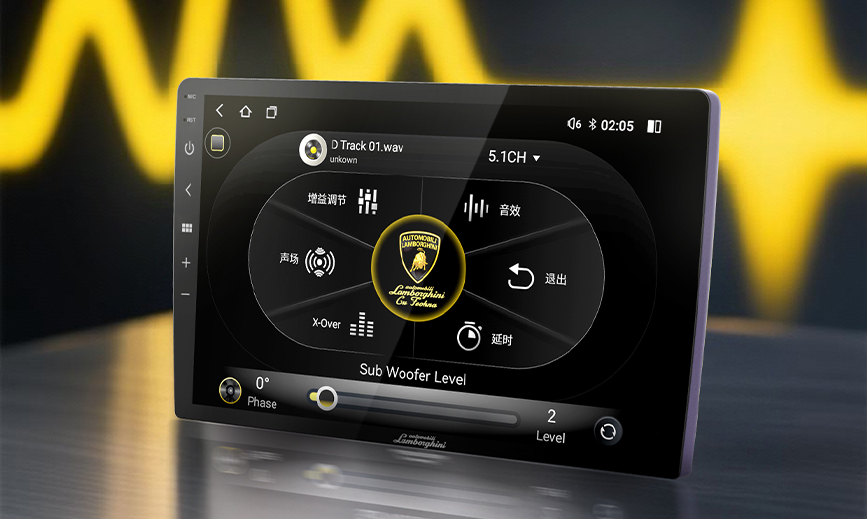
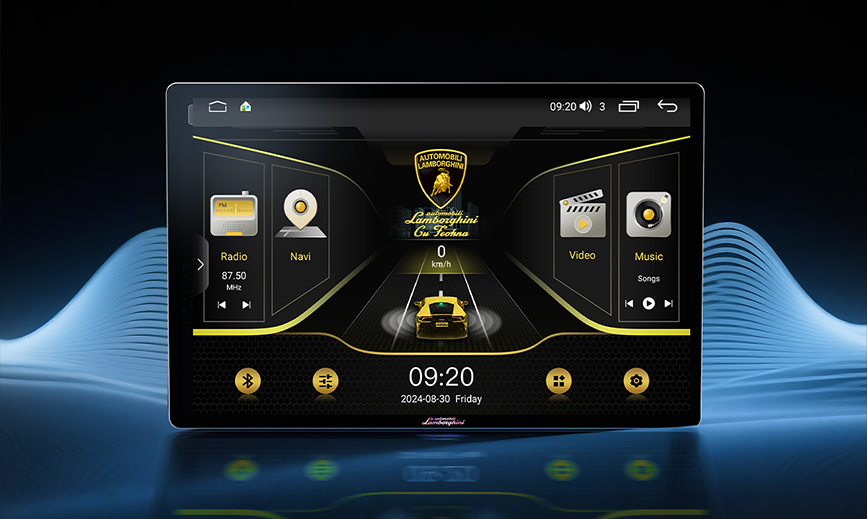
Understanding Car Entertainment Systems: A Complete Guide to Android Car Stereos
Modern vehicles are increasingly becoming mobile tech hubs, with car entertainment systems at the heart of this transformation. These digital devices, installed in your car's dashboard, integrate navigation, entertainment, and communication functions to make driving safer and more enjoyable.
What is a Car Entertainment System?
A car entertainment system is an in-vehicle digital device that combines multiple functions to provide information and entertainment during travel. Beyond basic audio playback, modern systems offer advanced features like voice control, real-time safety alerts, and smartphone integration.
Key Features of Modern Car Entertainment Systems:
-
Hands-free calling and communications
-
Music and media playback
-
Bluetooth connectivity
-
Internet access
-
Voice assistant integration
-
Google Maps navigation
-
YouTube video playback
-
Online information search
-
App download and installation
Three Major Car Entertainment Systems
Today's vehicles typically support multiple connectivity options, with Apple CarPlay, Android Auto, and standalone Android systems being the most popular. These systems allow seamless smartphone integration, enabling drivers to access navigation, music, calls, and messages through larger displays and voice commands.
1. Apple CarPlay
Developed by Apple, CarPlay is designed exclusively for iPhone users. It wirelessly projects select iPhone functions to your car's display, including maps, music, messages, and calls.
Advantages:
-
Intuitive, iPhone-familiar interface
-
Excellent voice control via Siri
-
High level of iOS integration
Limitations:
-
Exclusive to iPhone users
-
No video streaming app support (Netflix, YouTube) for safety reasons
2. Android Auto
Google's solution for Android smartphone users, Android Auto connects via Bluetooth or USB to integrate with your car's display. It supports music, video platforms, navigation, and calls.
Advantages:
-
Rich feature set including video platforms
-
Broad Android smartphone compatibility
-
Google Assistant integration
Limitations:
-
Interface can be complex for some users
-
Feature availability may vary by phone model and Android version
3. Standalone Android Systems
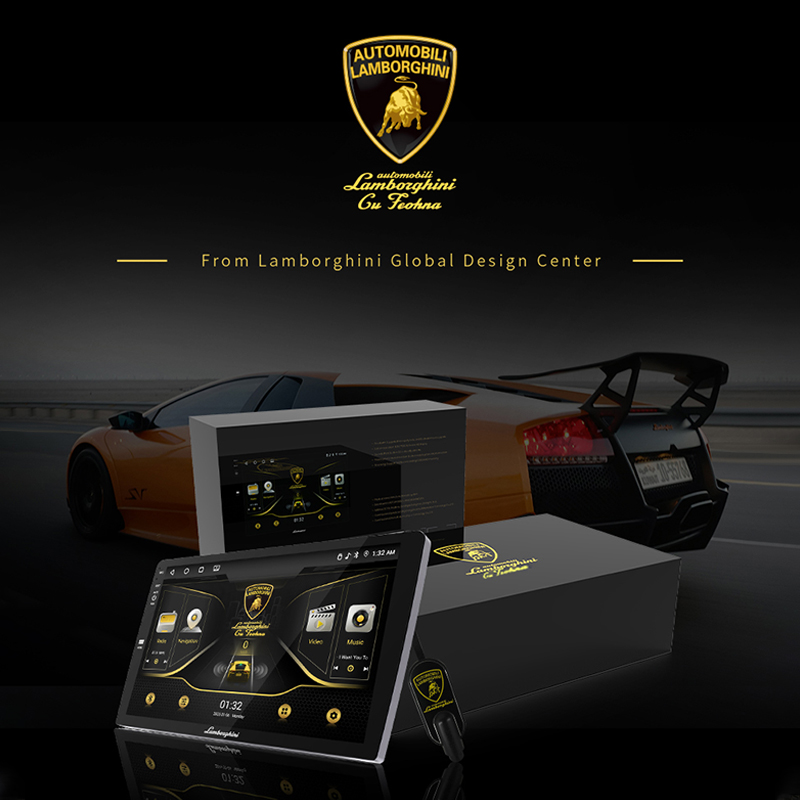
These systems run Android OS independently, without requiring smartphone connection. Manufacturers customize the interface for specific vehicle models, and they typically support video playback from platforms like YouTube and Netflix.
Advantages:
-
Most comprehensive feature set
-
Supports video streaming apps
-
Works with any smartphone
-
Often includes backup camera integration
Limitations:
-
More complex installation requiring professional help
-
Vehicle-specific compatibility considerations
Two Types of Android Car Entertainment Systems
For households with both iPhone and Android users, standalone Android systems offer greater flexibility than CarPlay or Android Auto alone.
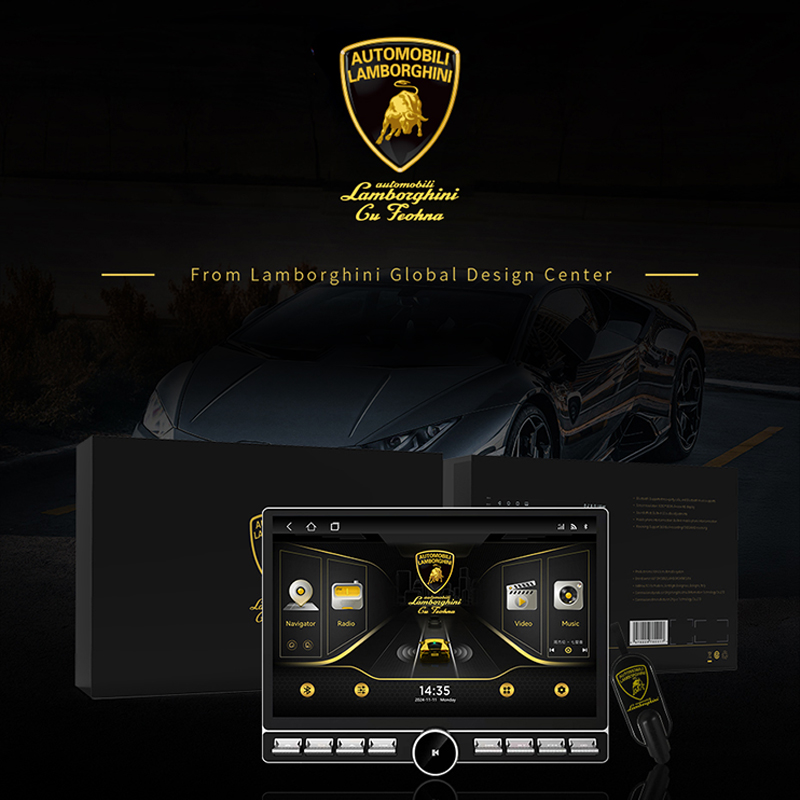
1. External Tablet-style Android Units
These are tablet computers mounted in your vehicle via brackets or holders, connecting to your car's system through Bluetooth or Wi-Fi.
Advantages:
-
Multiple sizes and specifications available
-
Broad vehicle compatibility
Considerations:
-
May not seamlessly match interior aesthetics
-
Requires careful placement for optimal use
Compatible Vehicles:
Works with most car brands.
2. Android Box Systems
Compact Android devices similar to streaming boxes, these connect to your factory or external display via USB or Type-C cables.
Advantages:
-
Easy installation without replacing existing systems
-
Maintains factory display functionality
Considerations:
-
Requires existing CarPlay-compatible system
-
Dependent on original display quality
Compatible Vehicles:
Compatible with most modern vehicles from brands.
How to Choose: 5 Key Selection Factors
1. Hardware Specifications
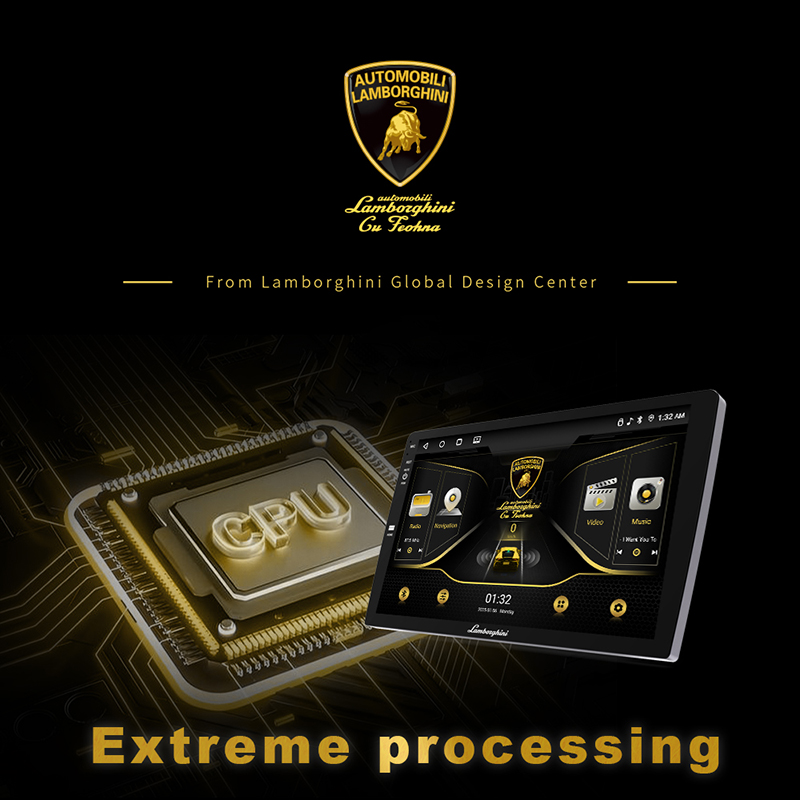
Opt for systems with 4-core or 8-core processors and sufficient memory. Recommended minimum specifications include:
-
4GB RAM for smooth operation
-
64GB storage for apps, maps, and media
-
High-resolution display for better visibility
-
Quality audio output components
2. Proper Sizing and Budget Considerations
Choose screen sizes that fit your vehicle's dashboard and meet your viewing preferences. Balance your budget with required features, brand reputation, and user reviews to find the best value.
3. National Electronic Certification
Select products with proper national certification marks (such as NCC certification) to ensure they meet safety standards and regulatory requirements.
4. Warranty and Customer Support
Prioritize brands offering comprehensive warranties and reliable after-sales service. Look for companies providing technical support through multiple channels (phone, online) for prompt assistance when needed.
5. Automatic System Updates
Choose systems with automatic update capabilities to regularly receive security patches, performance improvements, and new features, ensuring long-term reliability and enhanced functionality.
Making the Right Choice
Whether you choose Apple CarPlay for seamless iPhone integration, Android Auto for Google ecosystem compatibility, or a standalone Android system for maximum flexibility, the right car entertainment system can significantly enhance your driving experience. Consider your specific needs, vehicle compatibility, and desired features when making your selection.
By focusing on hardware quality, proper certification, reliable support, and update capabilities, you can invest in a system that will serve you well for years to come, keeping your vehicle's technology current with evolving digital lifestyles.